Start here
What Pick, Pack, Go is, in about thirty seconds.
The one idea
Most packing apps hand you an empty list and a search box. That's the wrong way round for a brain that struggles to start: the blank page is the hard part, and it's where the whole thing stalls.
Pick, Pack, Go goes the other way. You tell it roughly what kind of trip this is, and it hands you a list that's already too long. Then you scroll and delete. Recognizing "I don't need hiking boots" takes a second. Remembering hiking boots exist, unprompted, at 11pm, takes a functioning executive system you may not have available that night.
If you only remember one thing: when the list feels overwhelming, you're meant to be cutting it down, not filling it in.
Your first five minutes
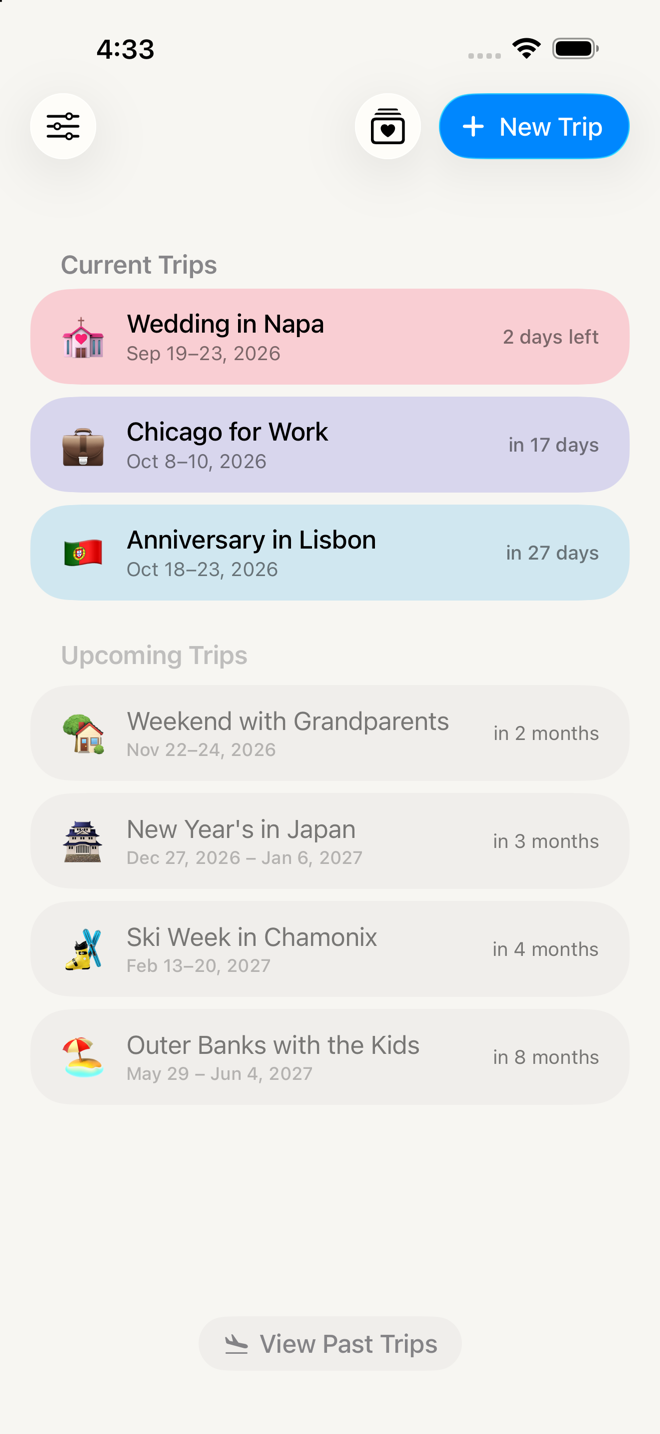
Go straight to Pack for a weekend trip in five minutes. It walks the whole thing end to end, from an empty Home screen to a list you can work down.
Everything else on this site is optional.
The two tracks
Do this now — short pages for a thing you're doing right this minute.
| Page | Read it when |
|---|---|
| Pack for a weekend trip in five minutes | You're new, or you're in a hurry |
| Make the list shorter | The list is too long and you're getting that feeling |
| Add something the app missed | You thought of something at the worst possible moment |
| Packing day | You're actually putting things in the bag |
| Travel day and the Double Check | You're about to leave the house |
| Coming home | You're in a hotel room, packing to get back |
| Do it again next time | This trip went well and you'd like to keep it |
Go deeper — how far each part goes if you invest in it.
| Chapter | What it's for |
|---|---|
| How the app is organized | The five phases, sections, groups, and the library-versus-trip rule |
| Templates | Stop rebuilding the same list every time |
| Sections and kits | Where the 36 starting lists come from, and making your own |
| The Item Library | Items, to-dos, errands, notes — and what "critical" does |
| Quantity formulas | Stop counting socks |
| Planning outfits | Decide what you're wearing on Plans; the packing list files it by type |
| The Plans phase | Activities, notes to yourself, and what you're wearing when |
| Past trips | The archive that makes the next trip easier |
| Settings | Every switch, in plain language |
And two more: When something looks wrong for the moments the app confuses you, and Words this app uses when a label doesn't mean what you'd assume.
What this app doesn't do
Worth knowing up front, so you're not waiting for something that isn't coming.
- It never notifies you. No reminders, no alerts, no countdown. Nothing will buzz to tell you it's time to pack. If you need a nudge, set an alarm the way you normally would.
- It doesn't sync between devices. Your data lives on this iPhone. It's included in your iCloud device backup, so a new phone restored from backup gets everything — but two phones won't stay in step with each other.
- It doesn't share. No collaborators, no sending a list to someone else.
- It doesn't know the weather. You tell it whether the trip is warm or cold; it doesn't look anything up.
- There's no web or iPad version. iPhone only, for now.
Everything else on these pages is real and shipping. If a page describes something you can't find, that's a bug in the docs — not something you're missing.
More in Guide